Features
technological
- Real‑time rendering (smooth performance without high hardware requirements)
- Fully web-based planner (cloud operations, no installation)
- API integration (e.g. launching projects, shopping cart)
- System customization for client and industry
- Support for dedicated and standard product databases
- Scalability (handling millions of projects annually)
- Intuitive interface based on visual choices
- Interactive tutorials and extensive help center
- Local production + full technical support

Features
business
- Accelerating the customer's decision-making process
- Increasing sales conversion
- Reducing returns and incorrect orders
- User behavior analysis capabilities
- Scaling sales without increasing operating costs
- Automation of part of the sales process
- Omnichannel sales support (online + offline)
- Better offer tailoring to the customer (personalization)
- Integration with price lists and sales systems
- Building competitive advantage

Features
sales
- Visualization of products in a realistic context (interior)
- Interactive shopping experience (customer 'creates' instead of just watching)
- Shortening the sales cycle
- Sales representative support (tangible visualization instead of description)
- Ability to present the entire offer in a single tool
- Integration with shopping cart (direct path to purchase)
- Creating engaging marketing campaigns
- Personalization of communications and offers
- Increased customer engagement
- Support for product storytelling (showing product in use)

Features design
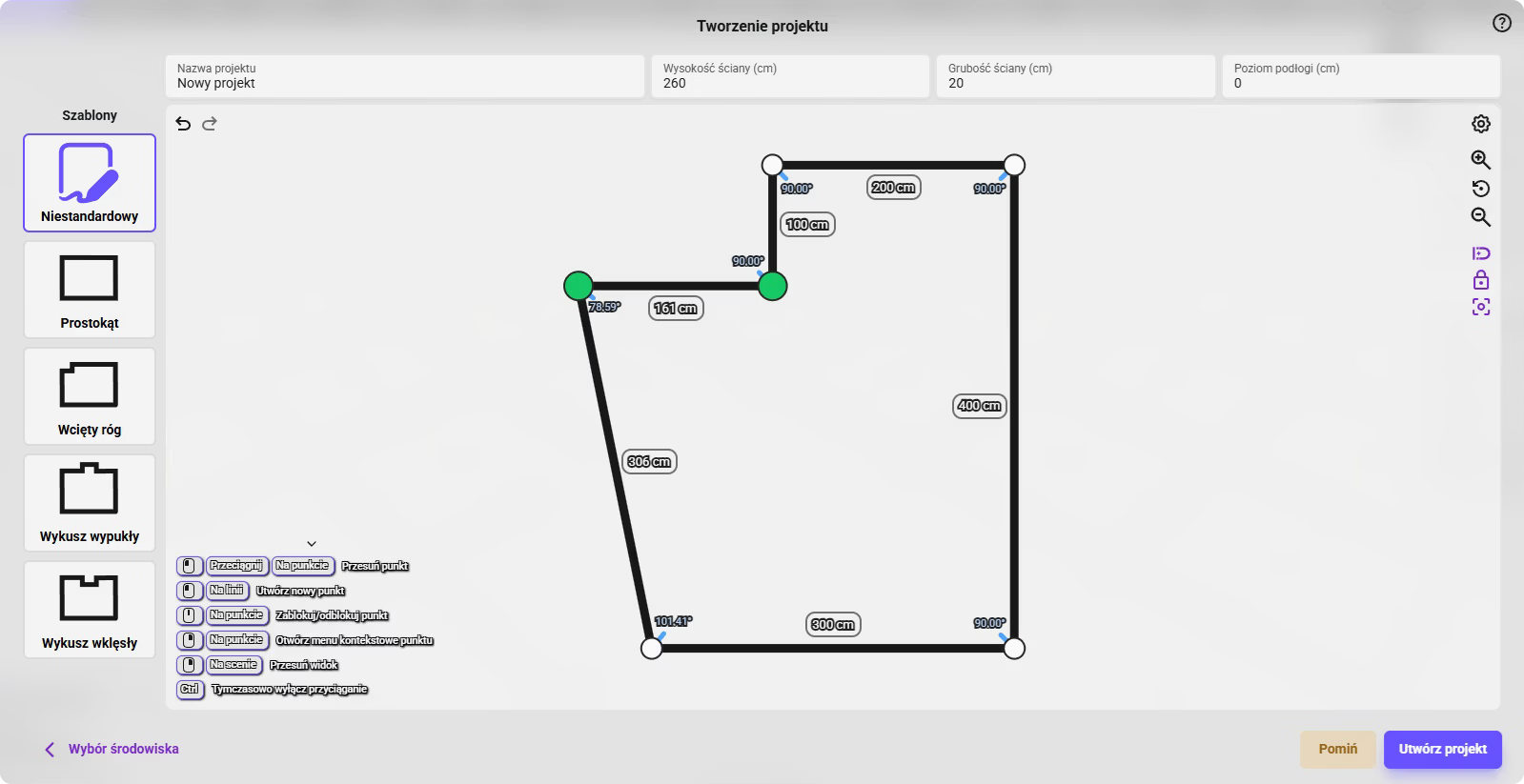
Space Creation
- Designing rooms from scratch (points + walls)
- Defining parameters (height, wall thickness)
- Geometry editing (adding, removing, locking points)
- Angle snapping (snap 90°)
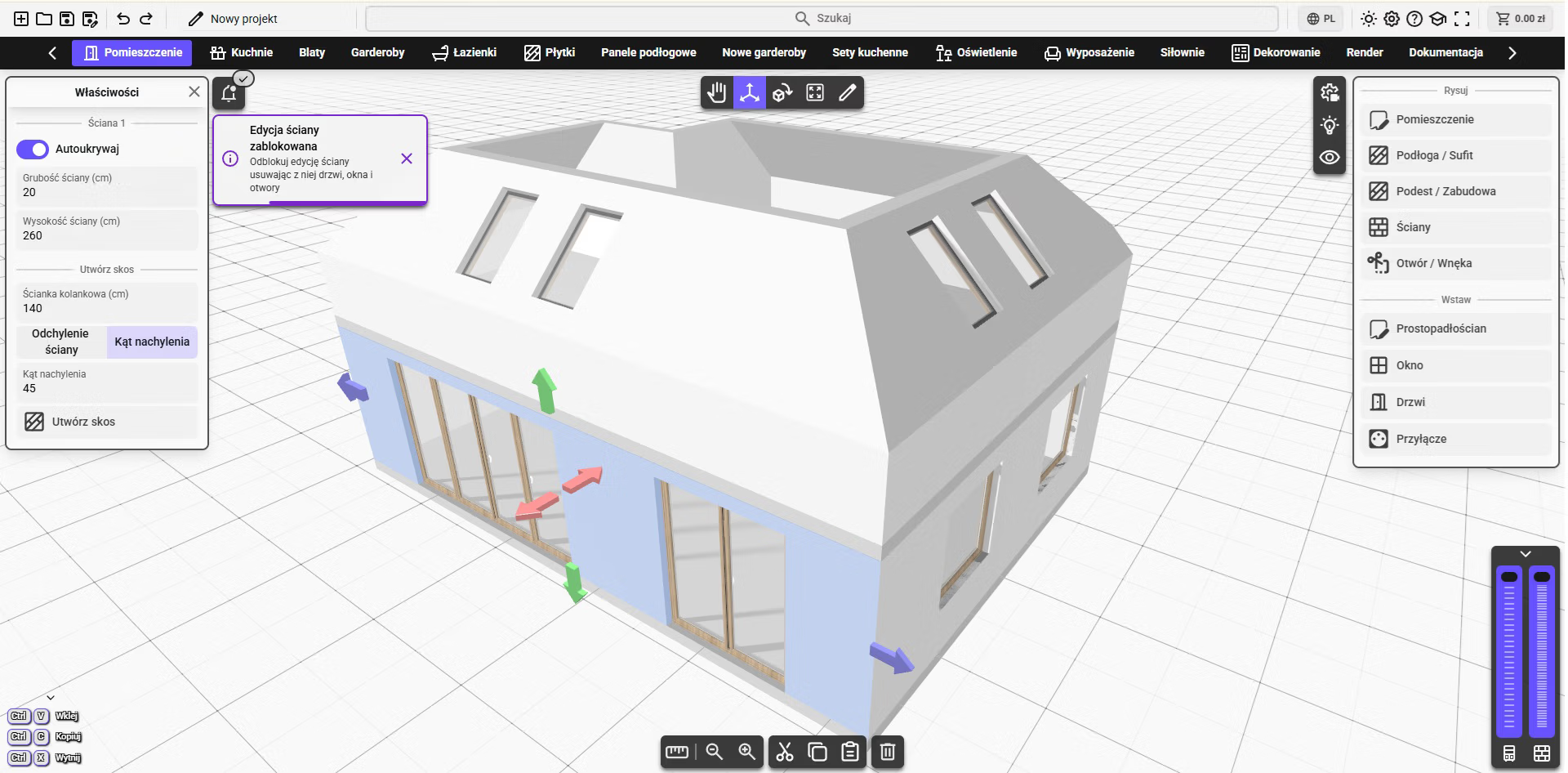
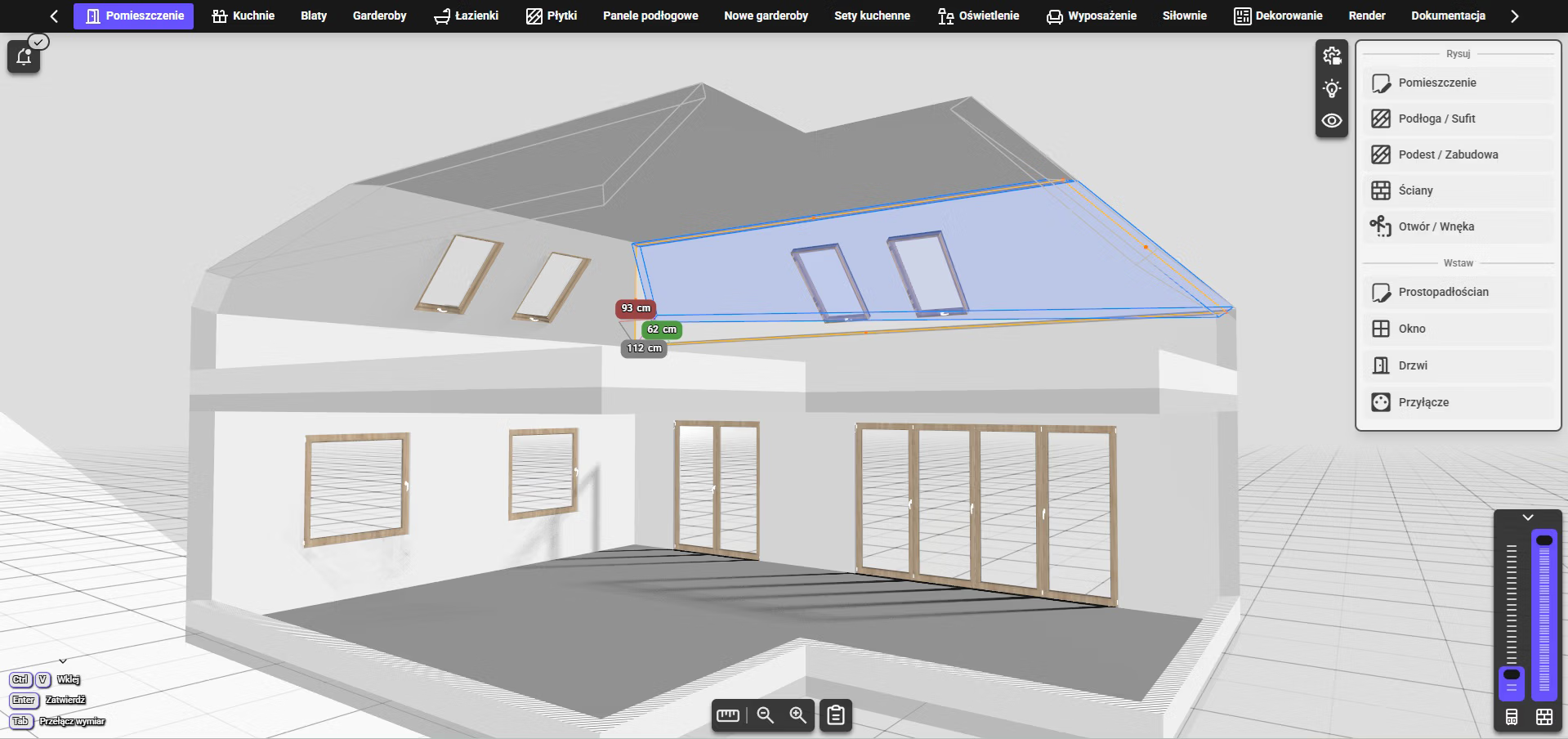
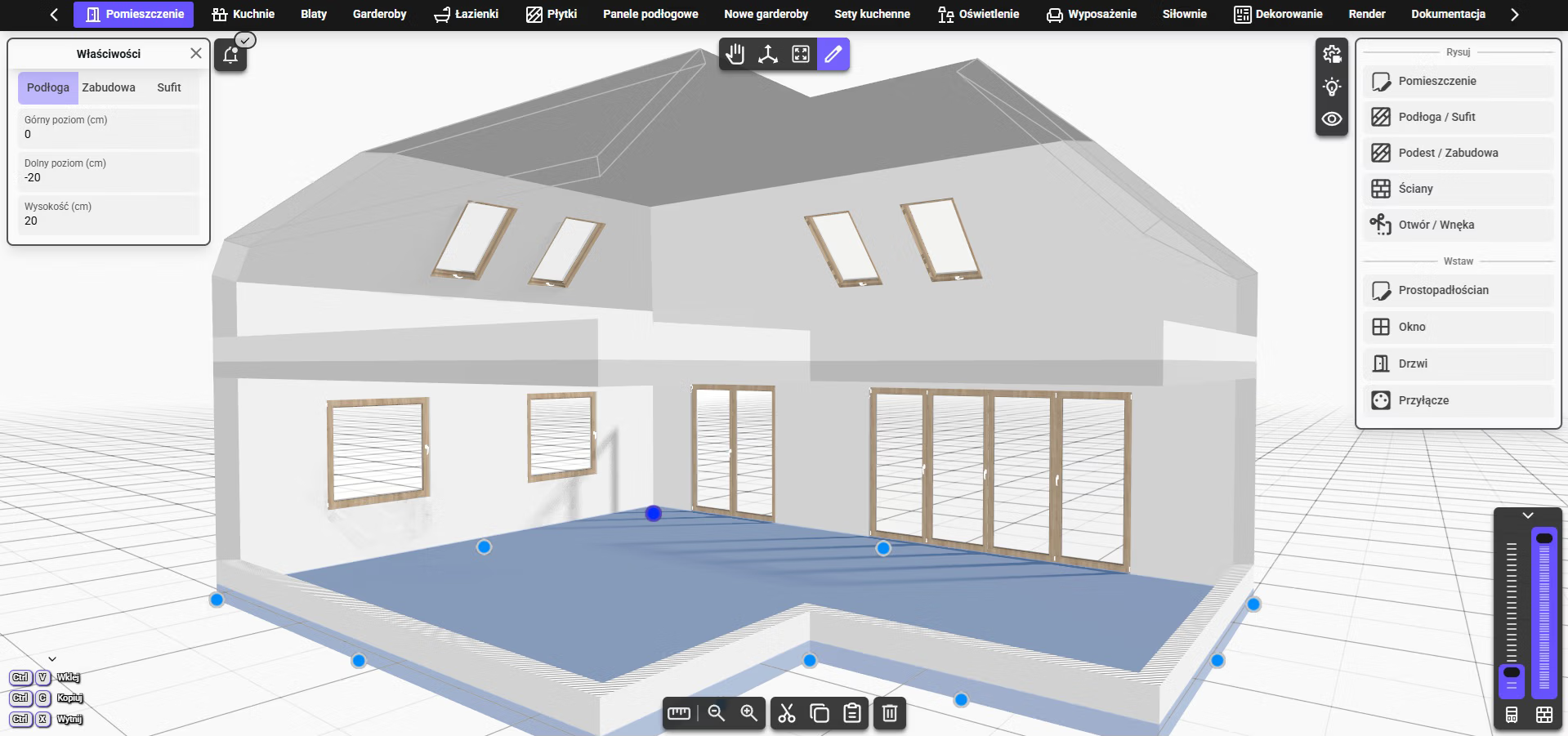
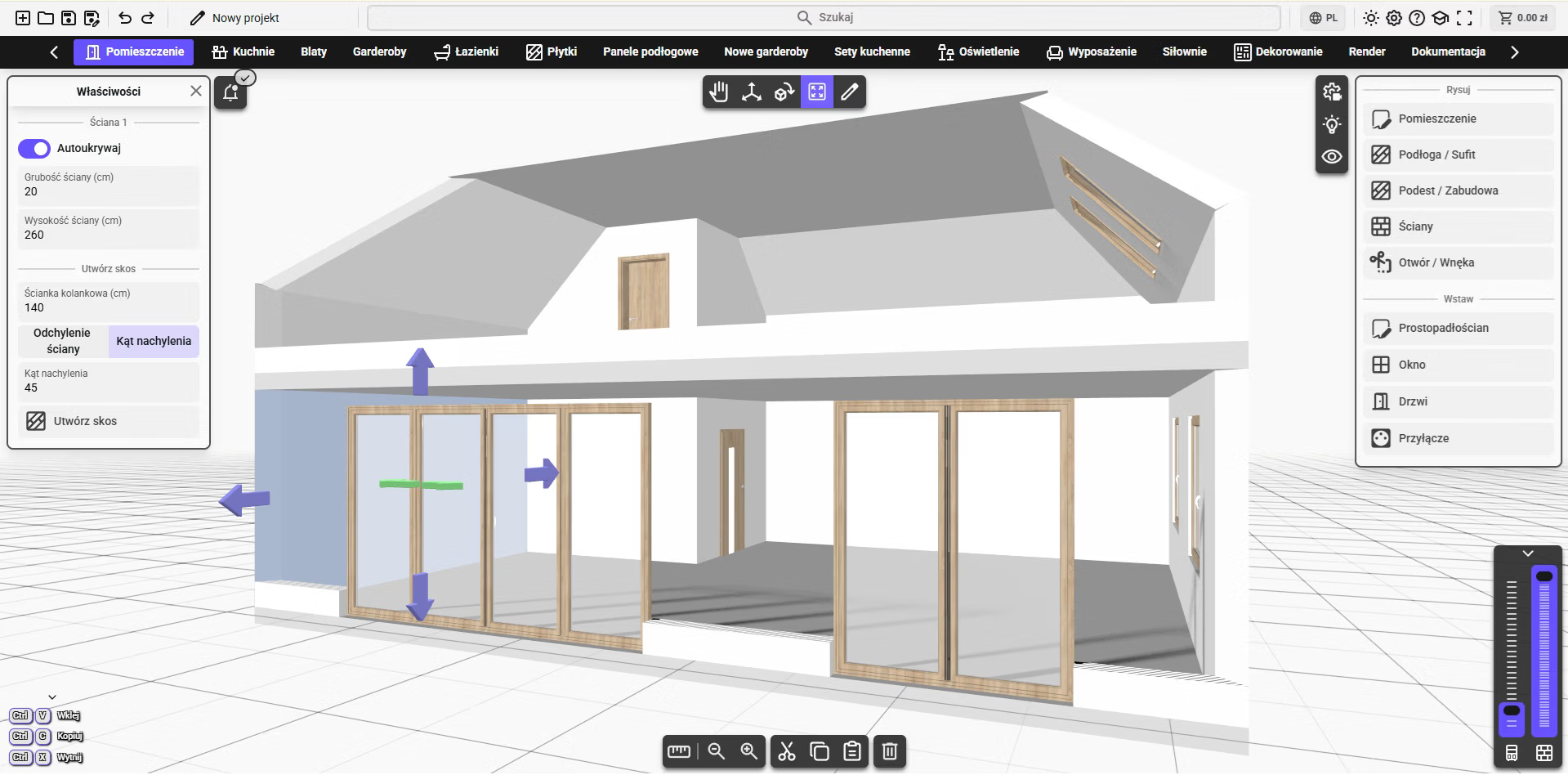
Editing and Control
- Precise change control through point locking
- Ability to work on different levels (floors)
- Wall and story visibility sliders
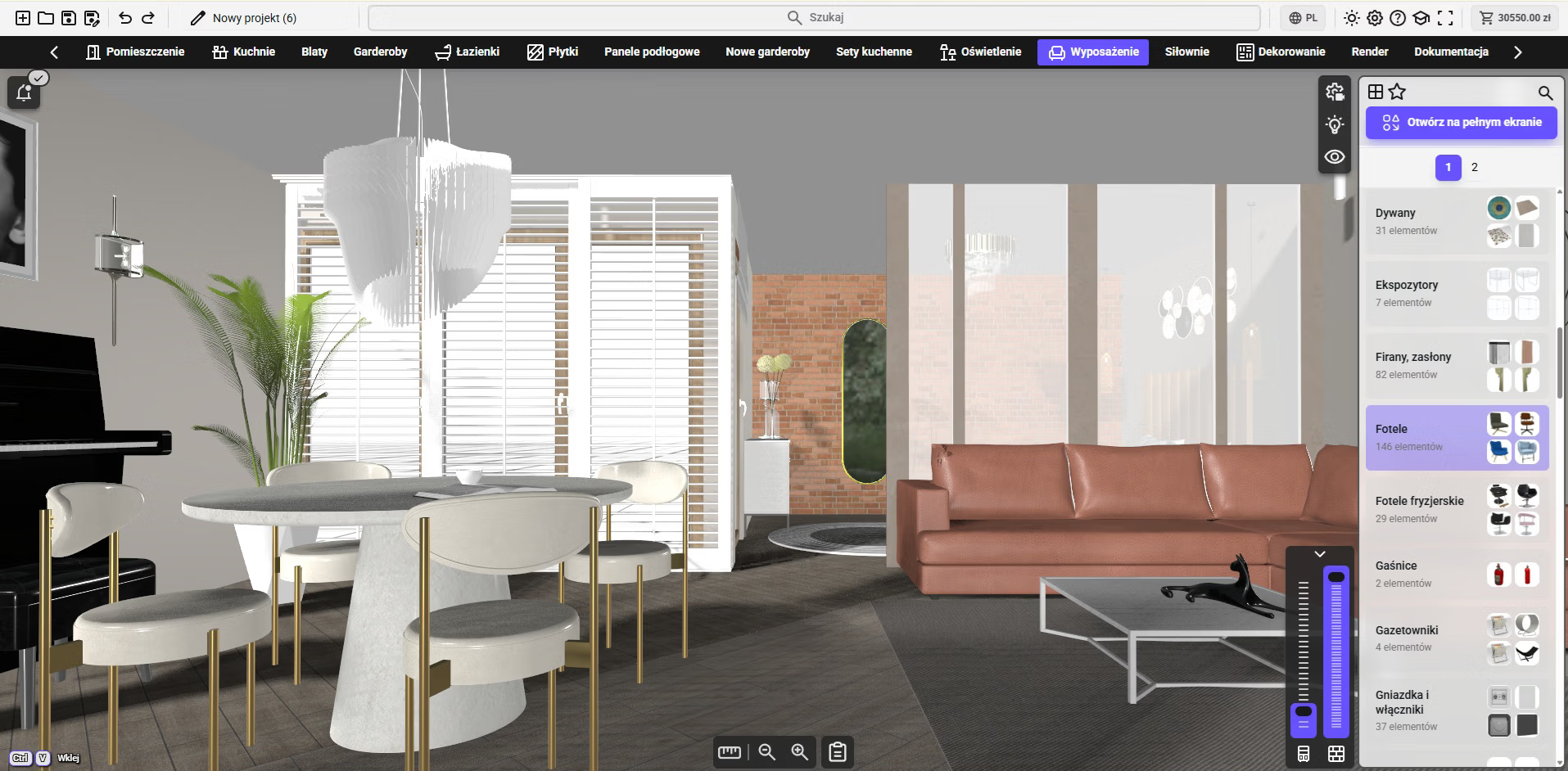
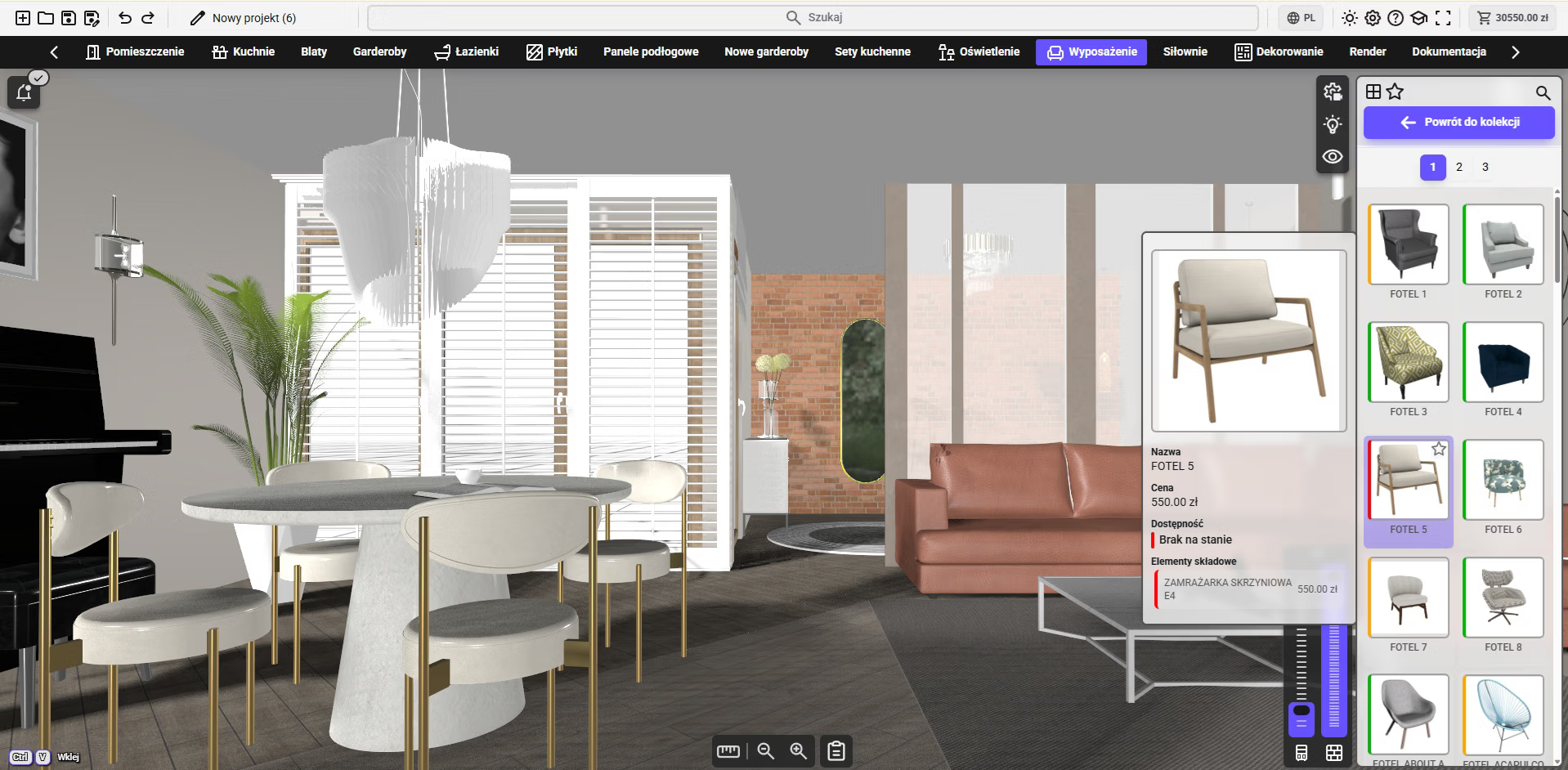
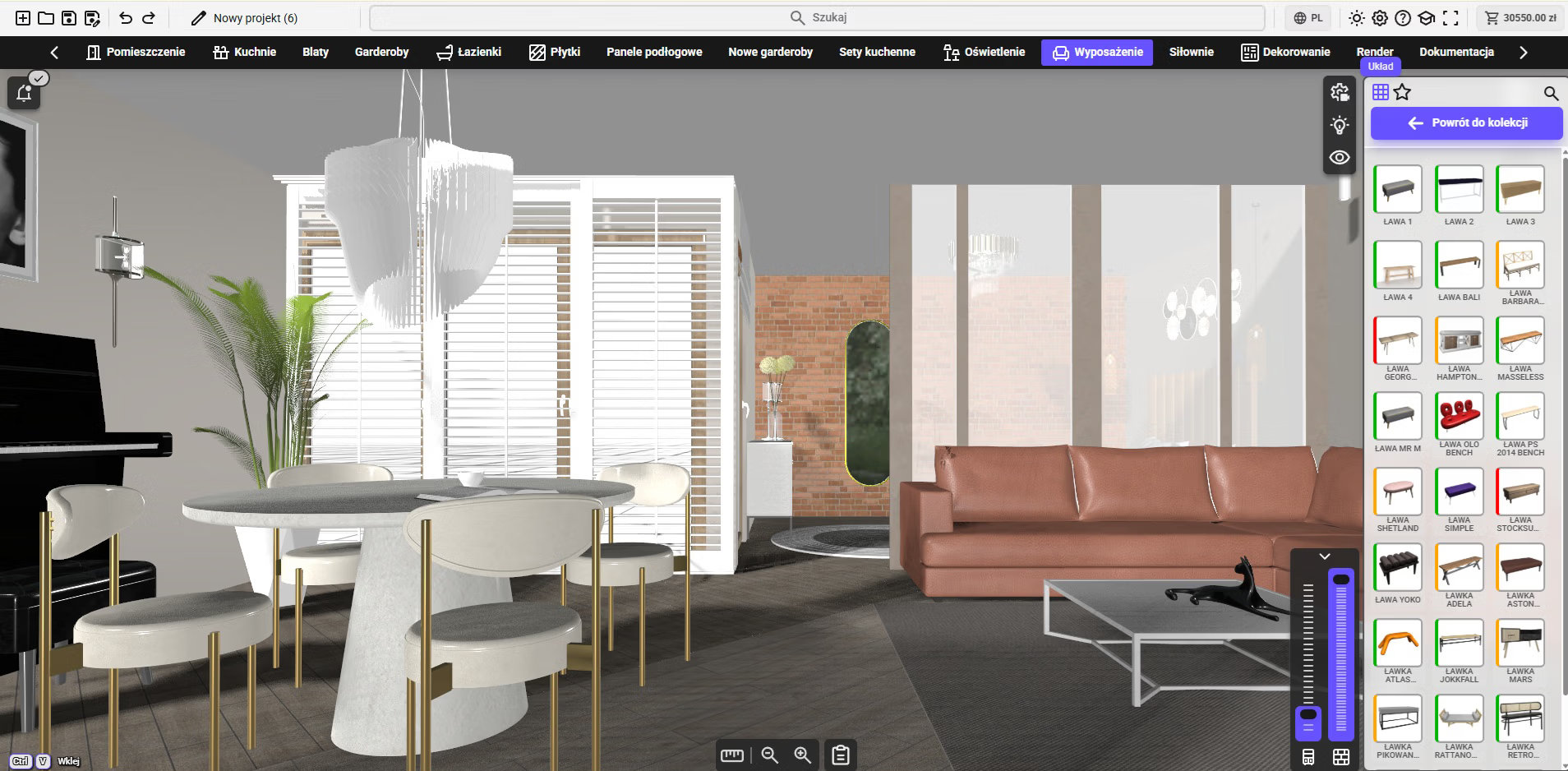
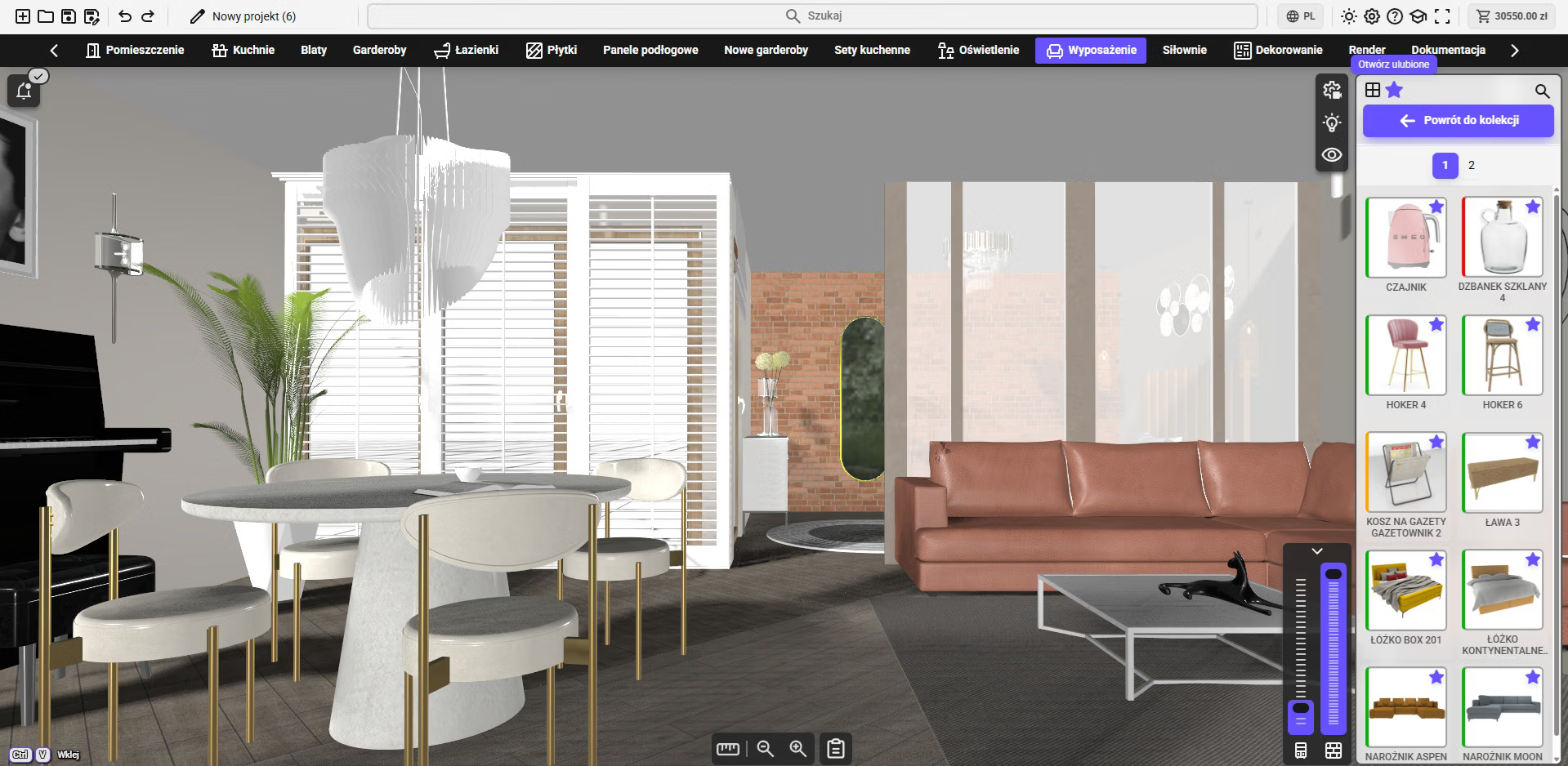
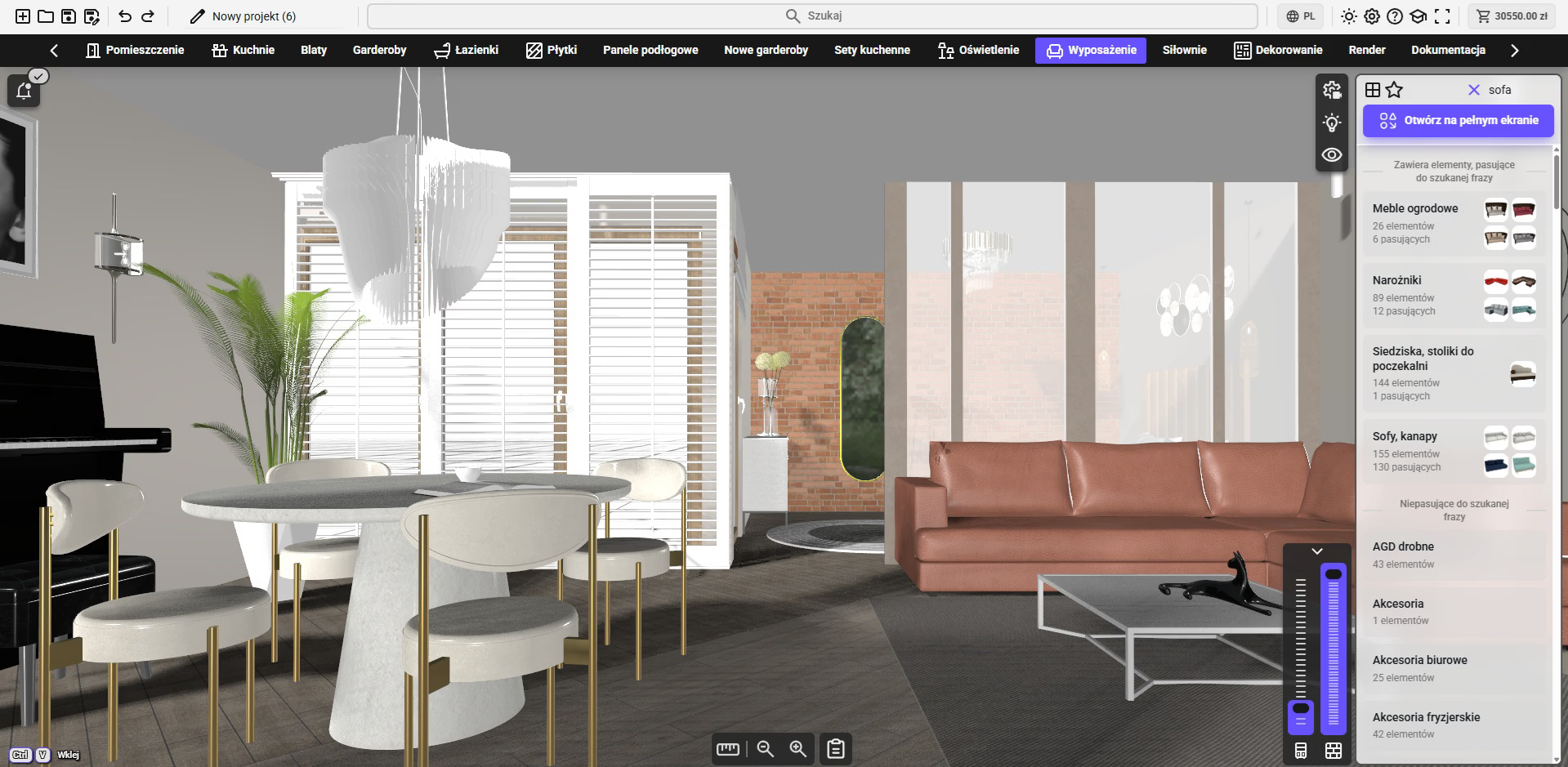
Working with Products
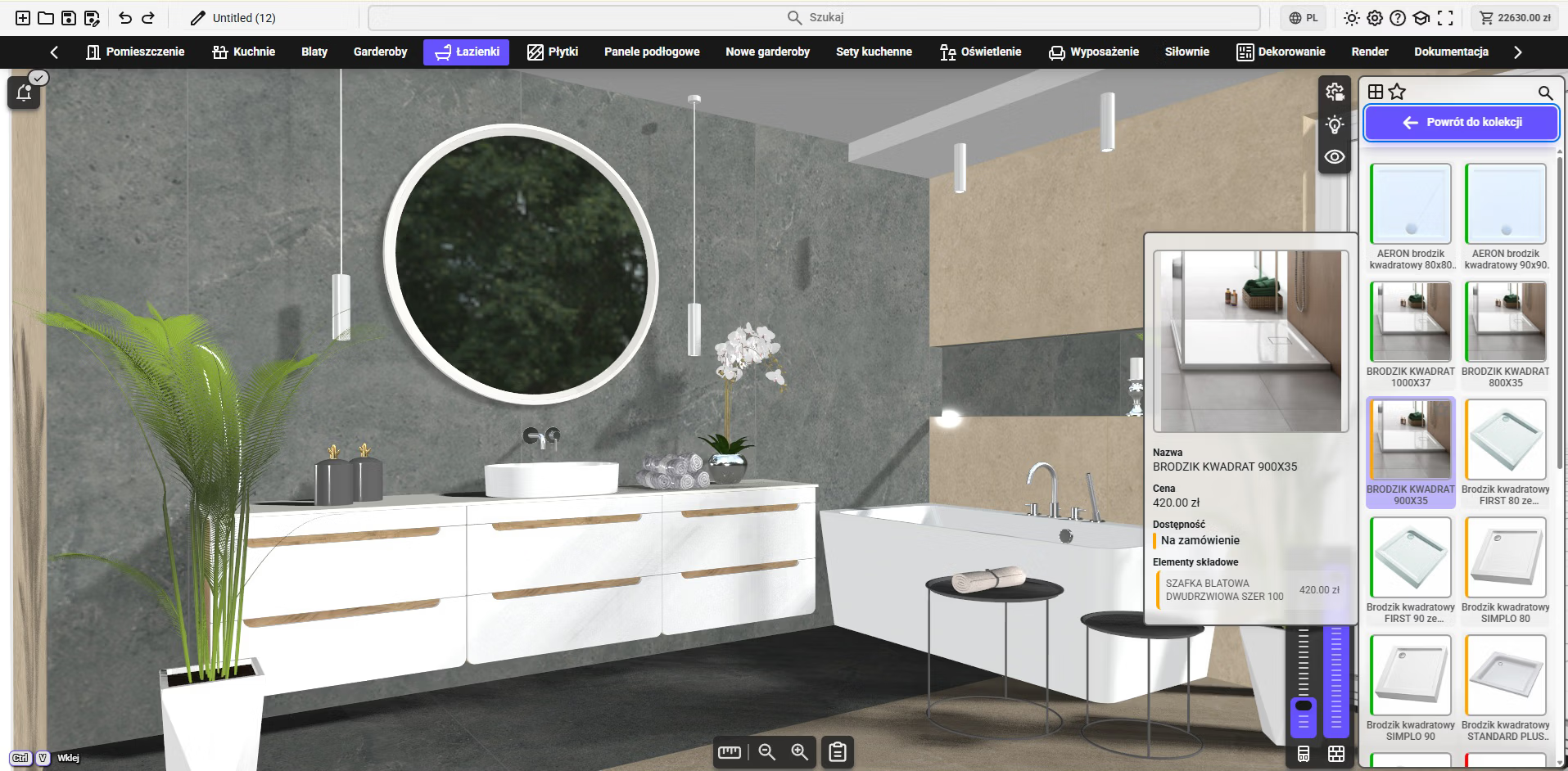
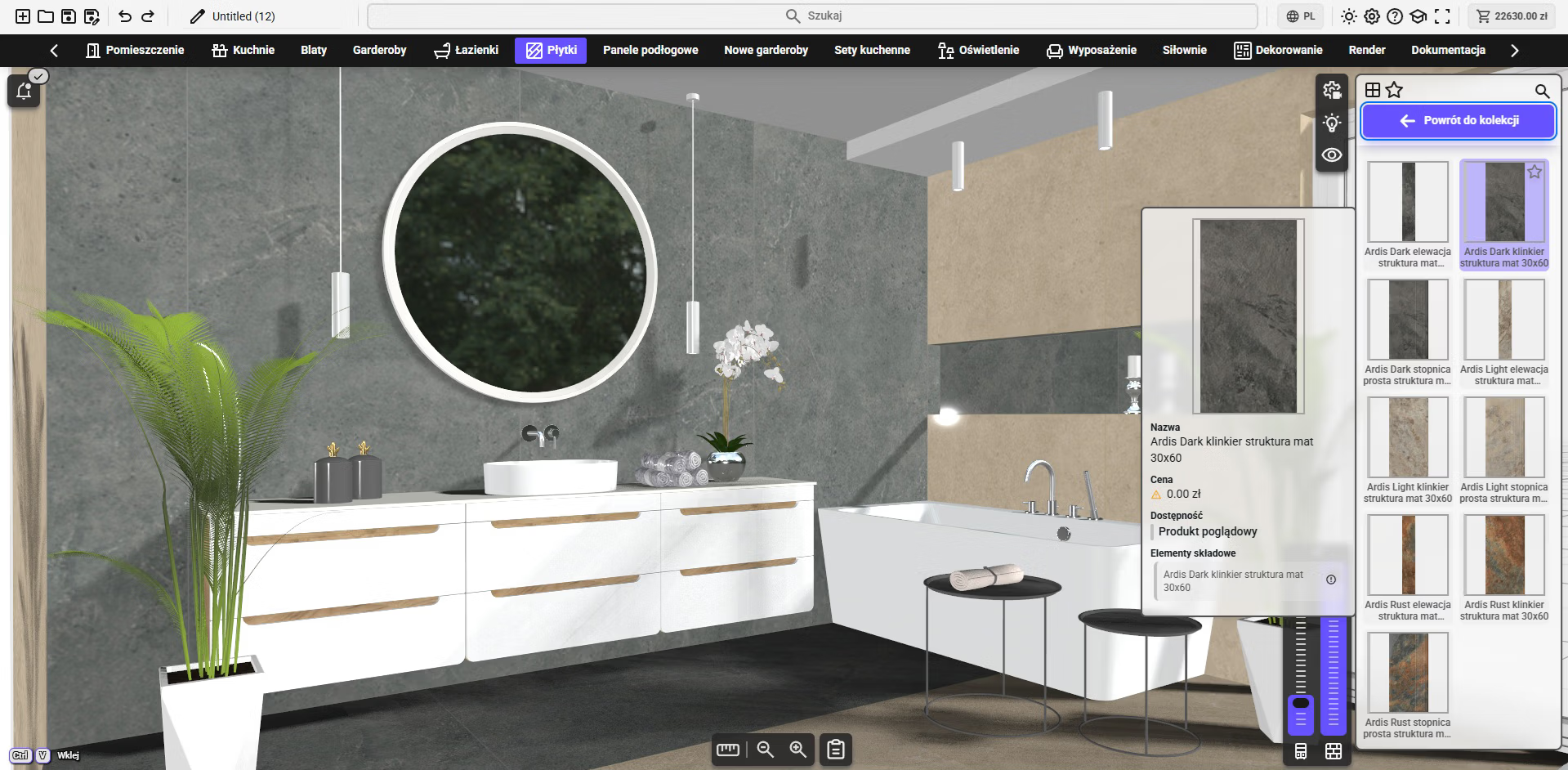
- Element browser (product library)
- Search, filtering, favorites
- Different display modes (grid / list)
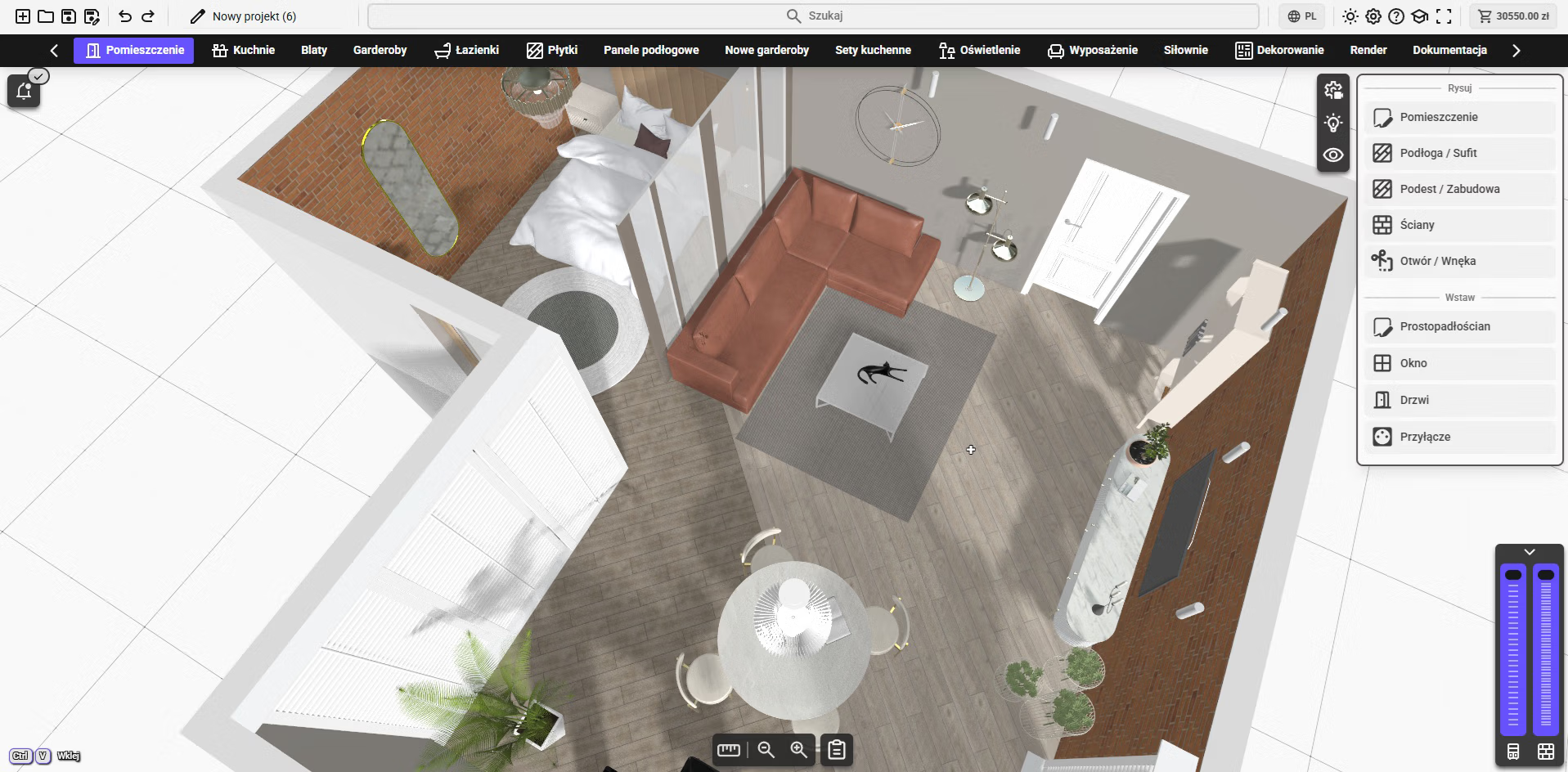
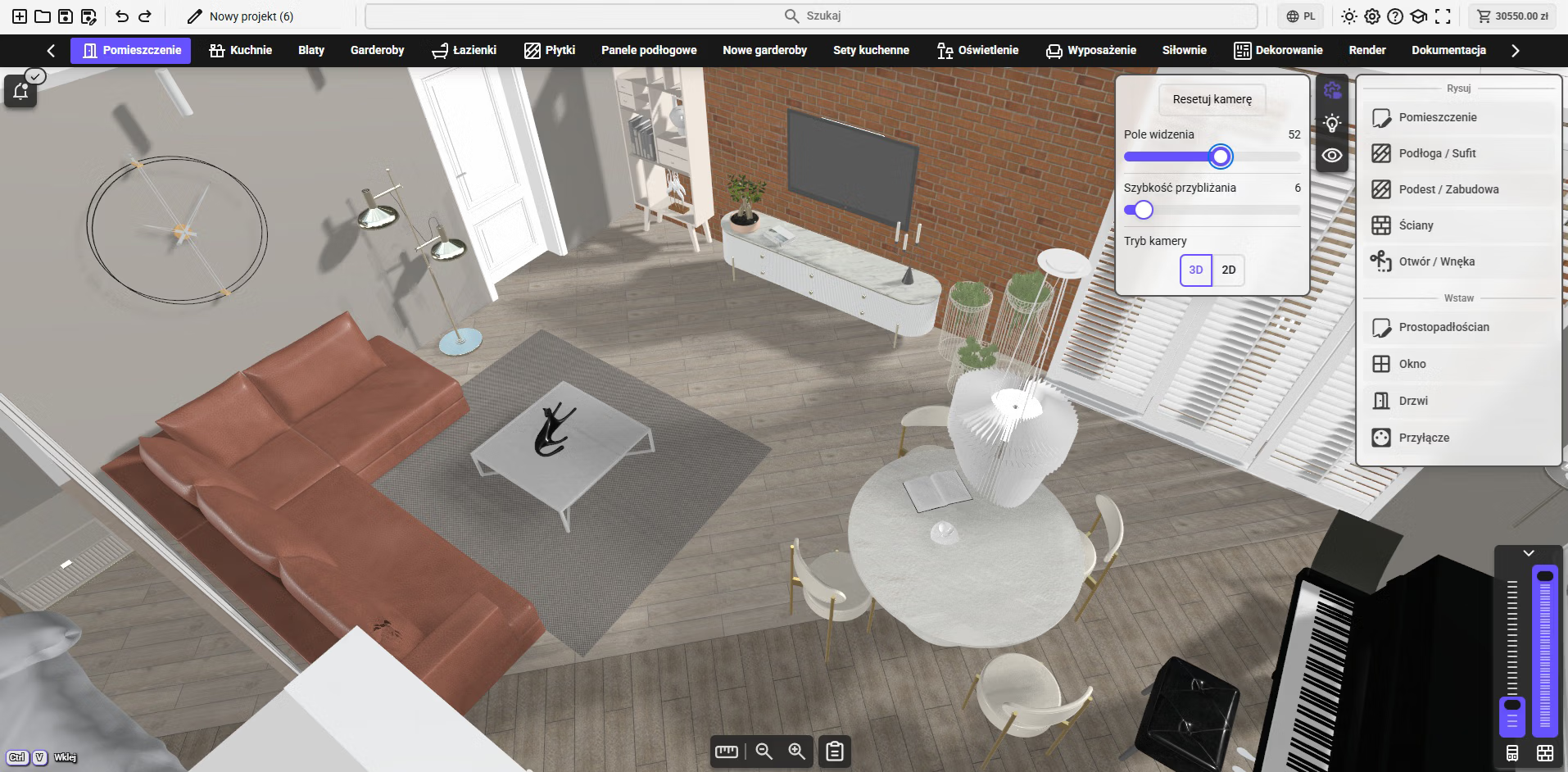
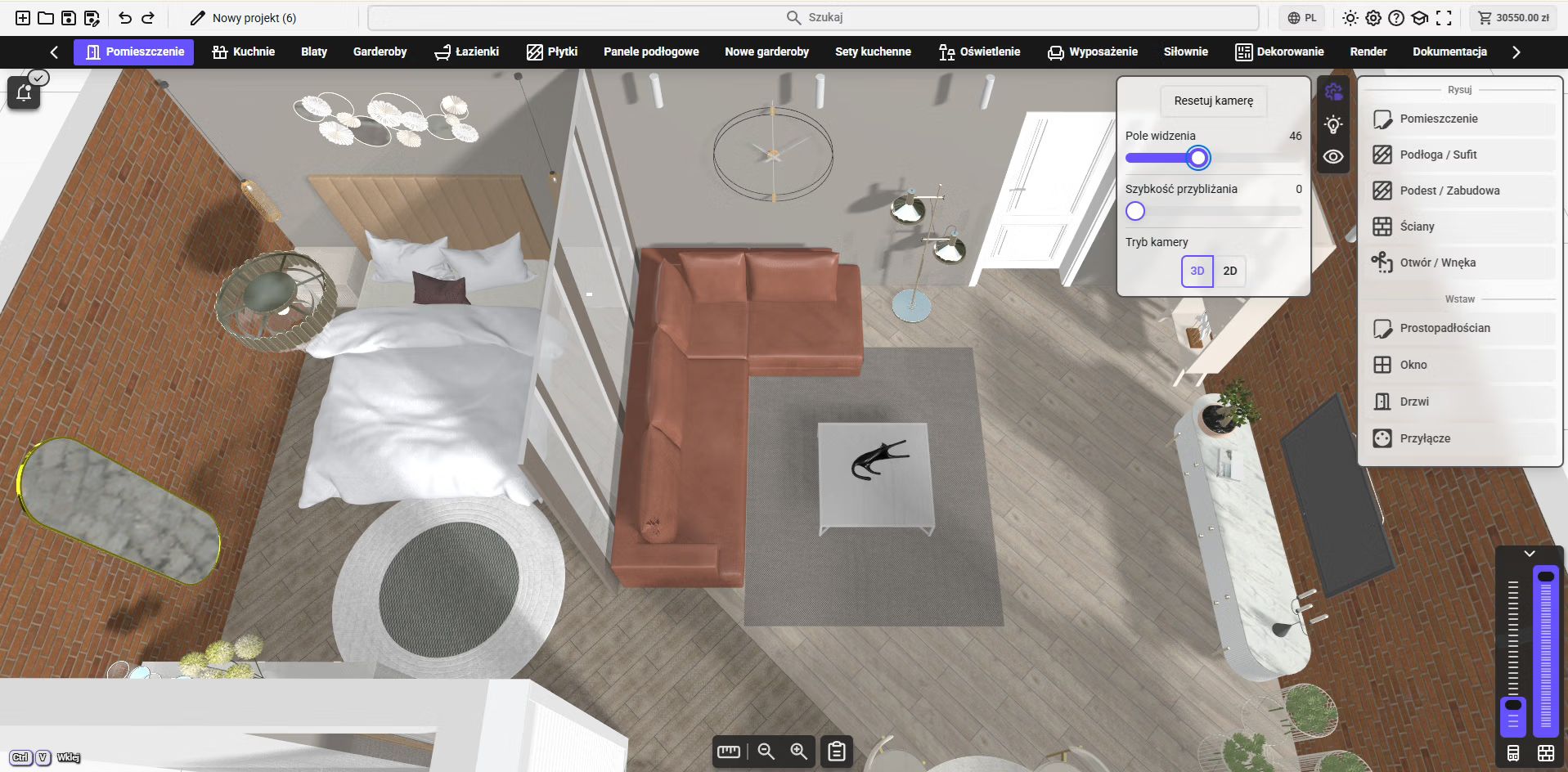
Navigation and View
- Camera control (rotate, zoom)
- Dynamic view adjustment
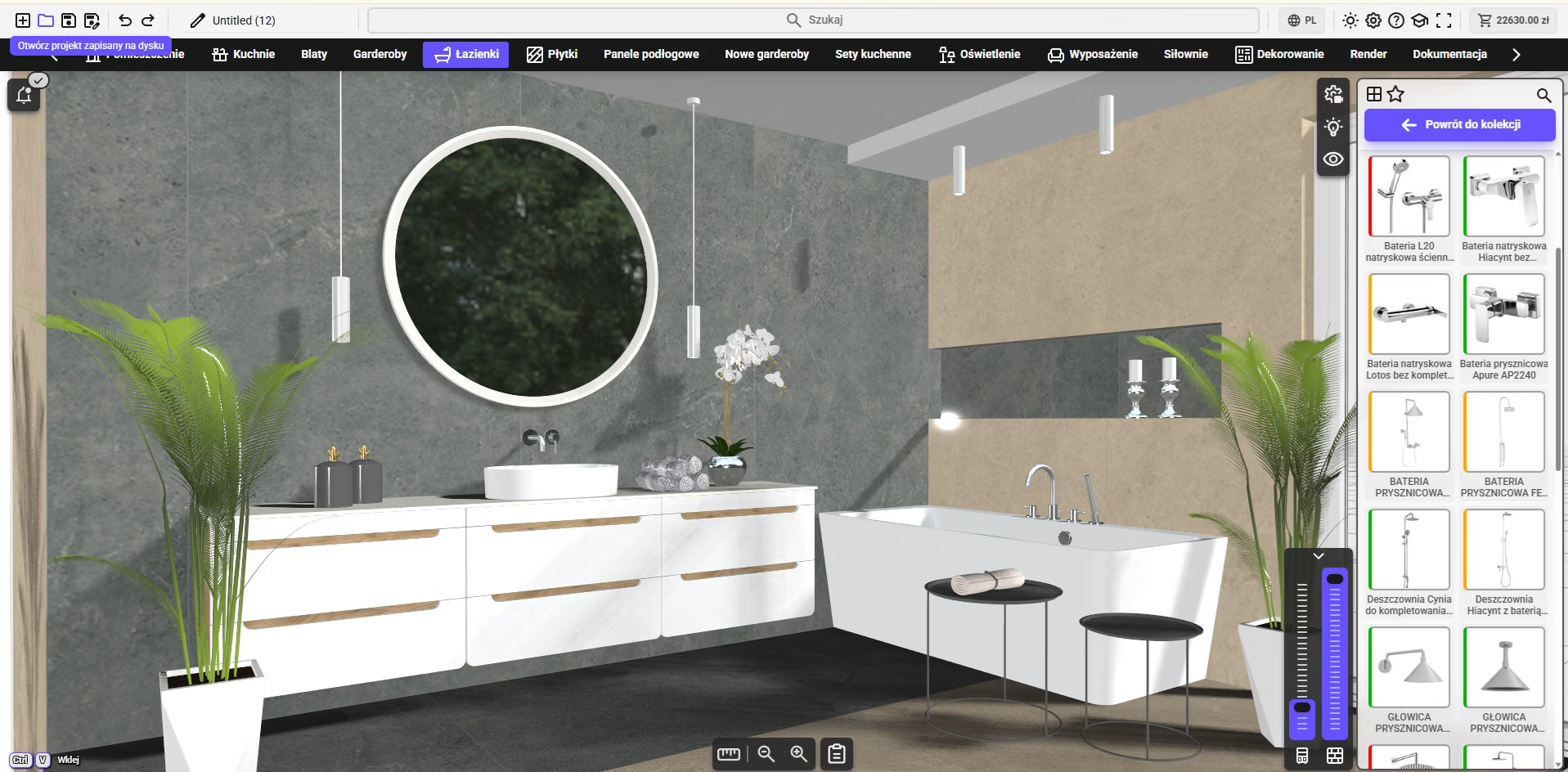
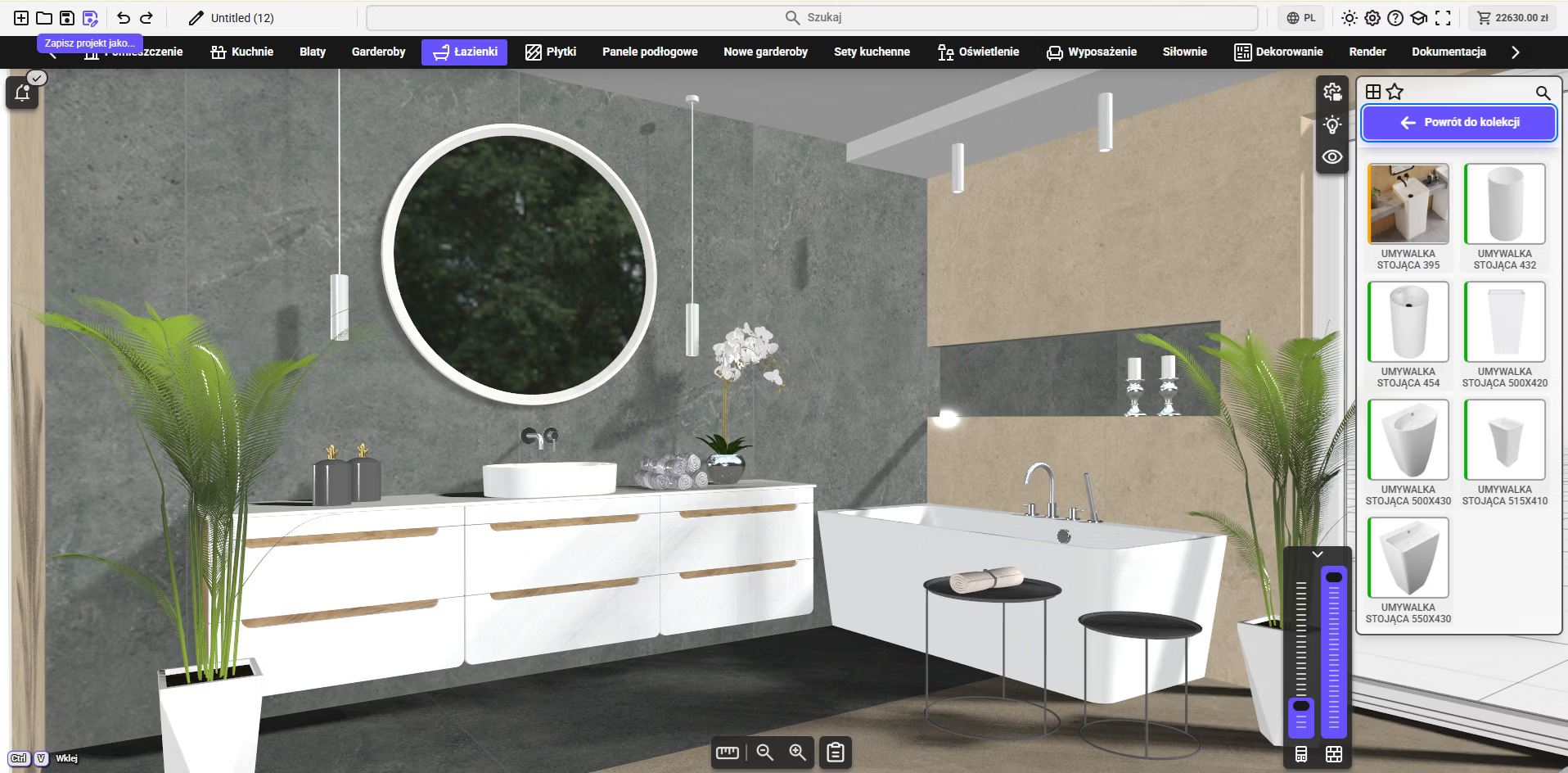
Work Organization
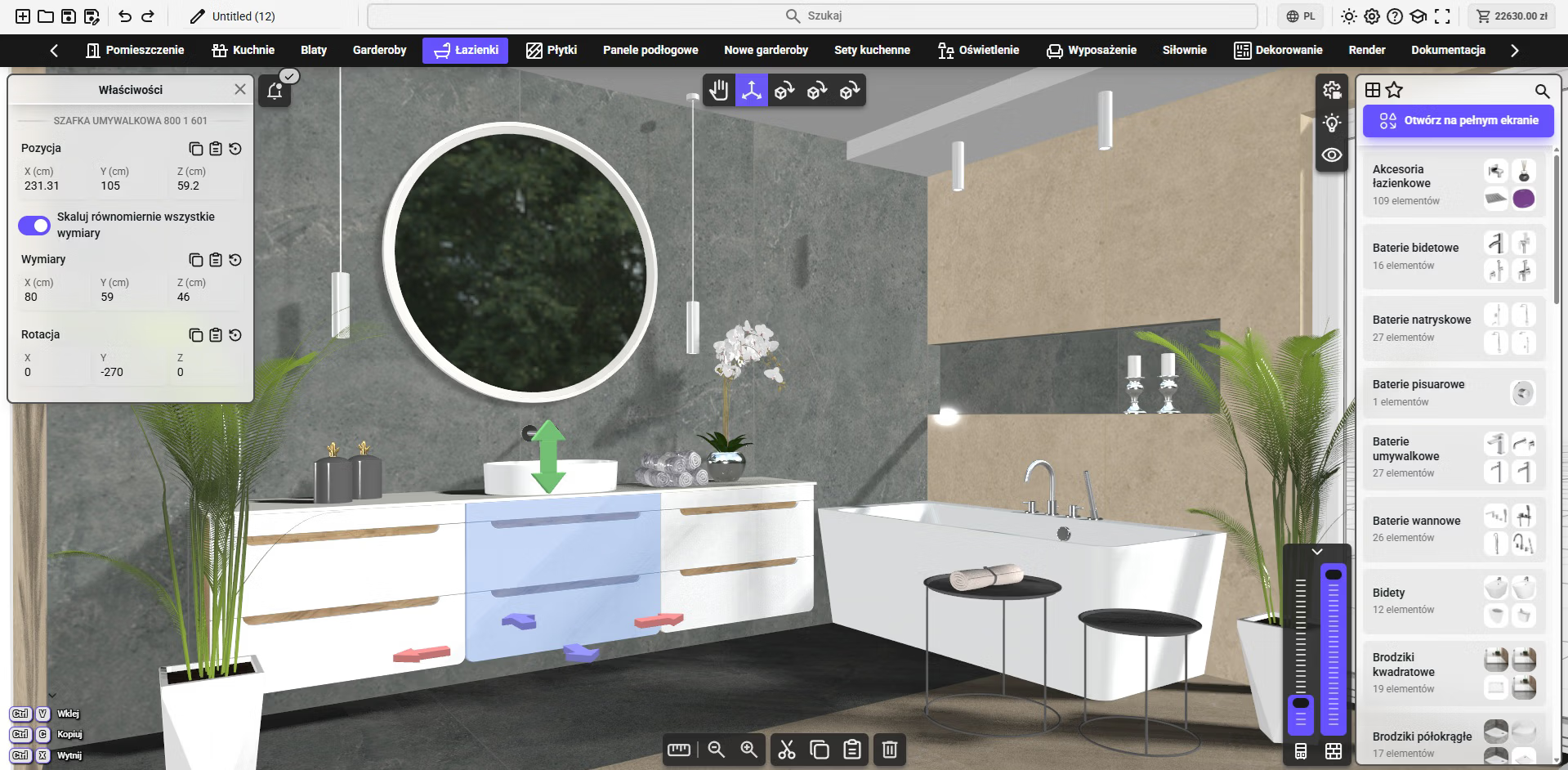
- Tabs and work modules
- Notification system (on scene + center)
- Ability to save and launch projects
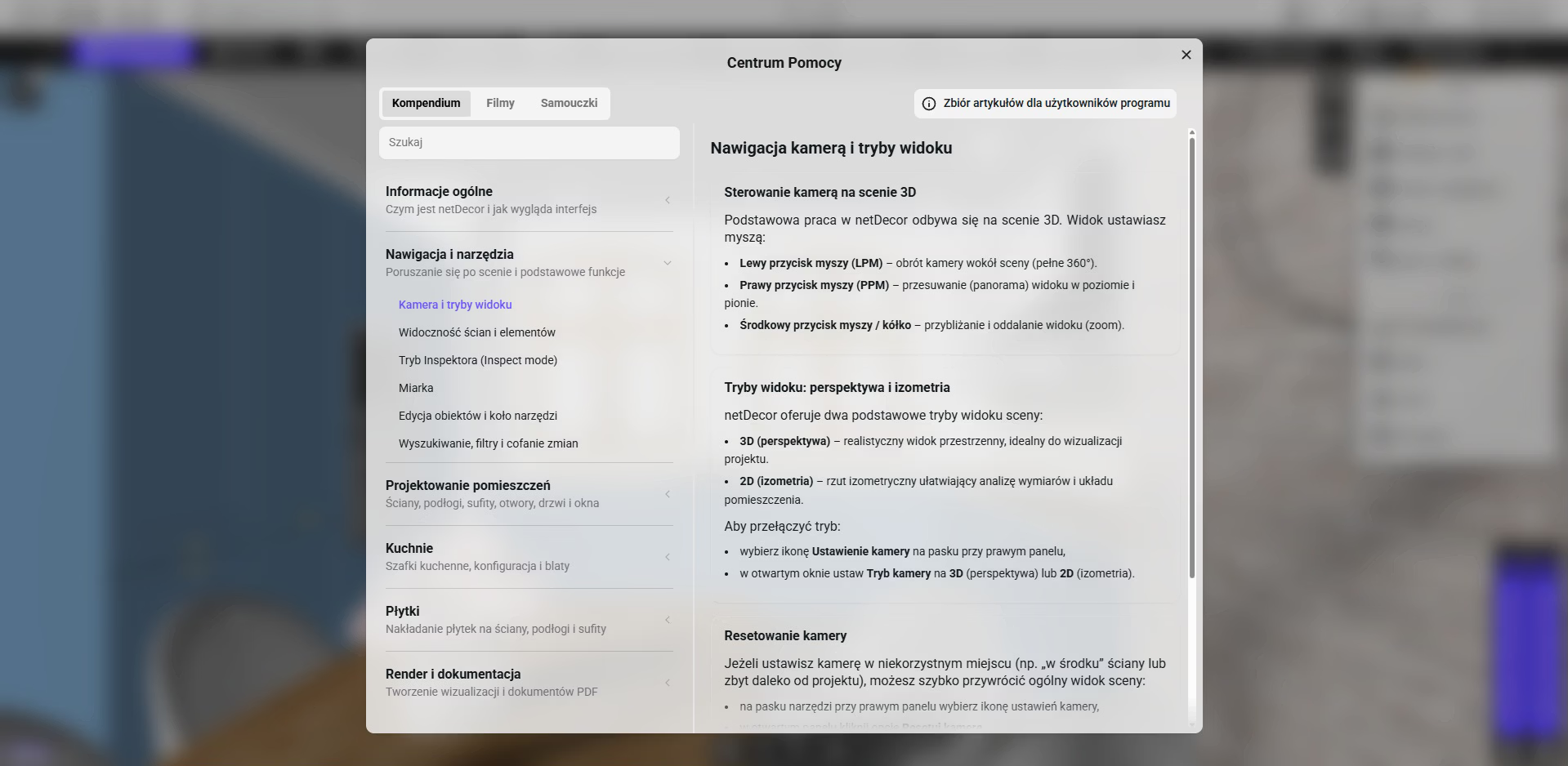
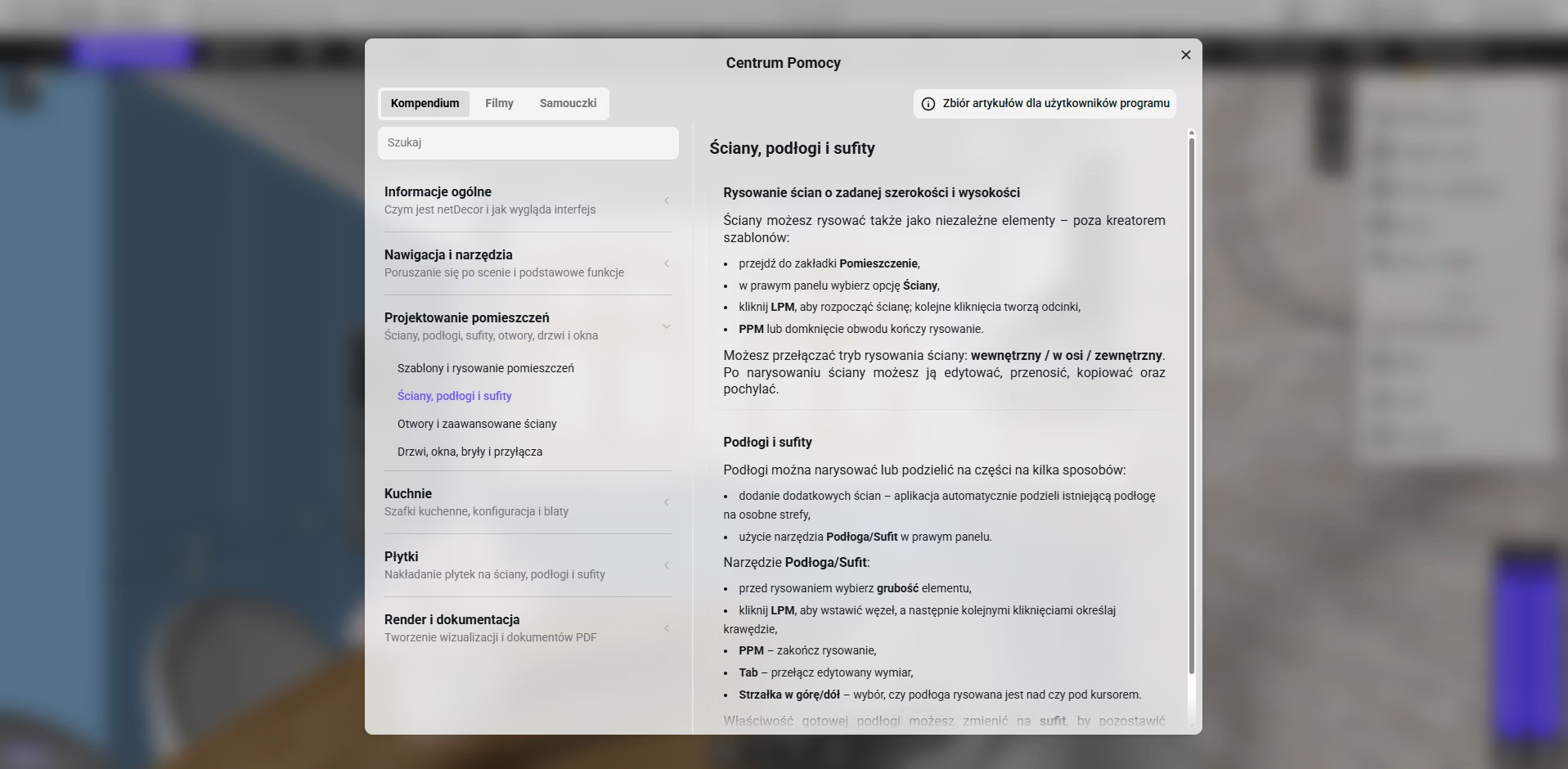
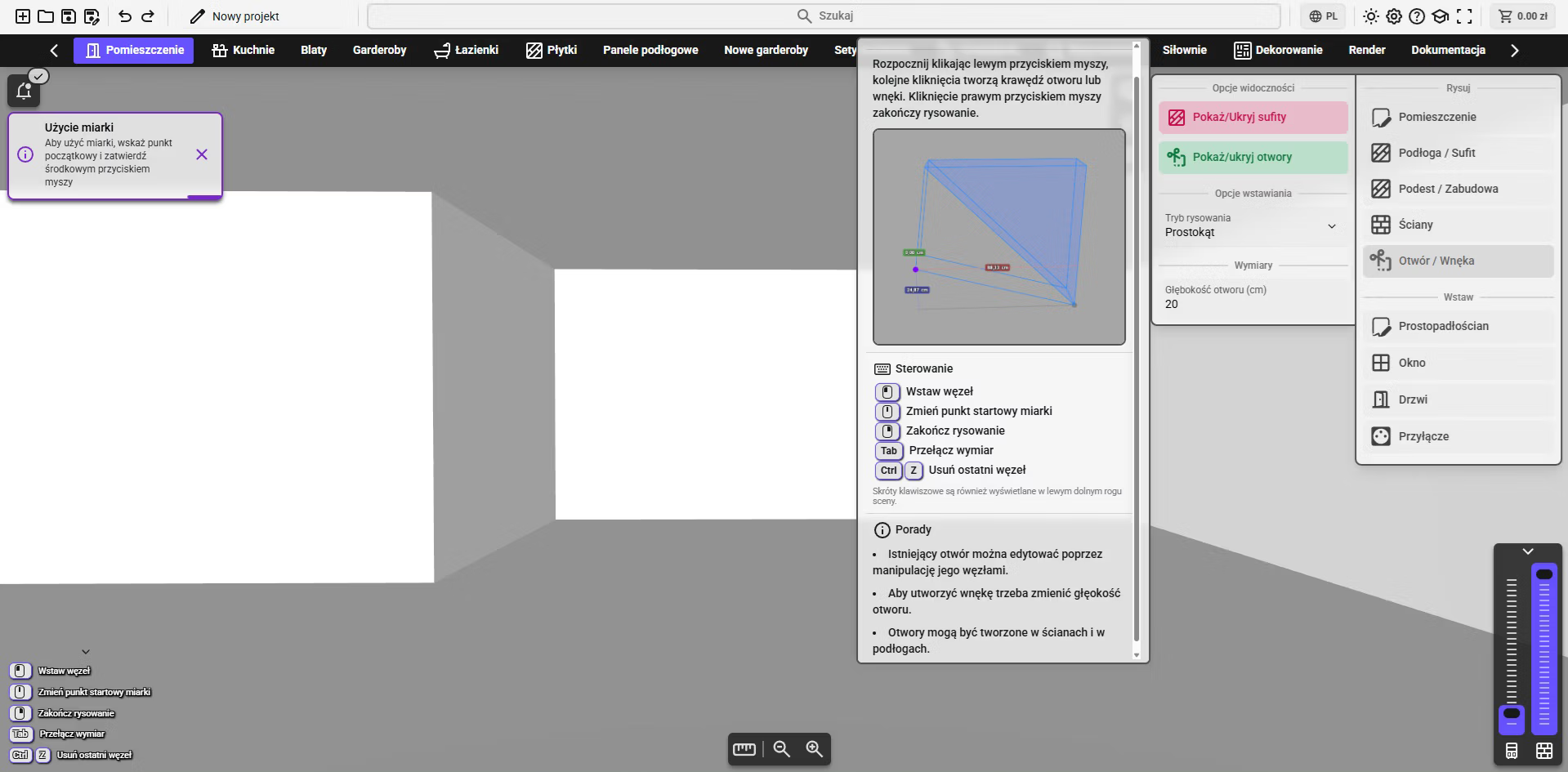
User Support
- Interactive tutorials (onboarding)
- Extensive help center (articles, videos, tutorials)